

guidance  Download / Print article PDF ##### ShareCopied to clipboard ##### Share##### Facebook##### Linkedin##### X##### Copy LinkCopied to clipboard ##### Share##### Facebook##### Linkedin##### X##### Copy LinkRecovering a hacked account===========================A step by step guide to recovering online accounts. Invalid DateTime 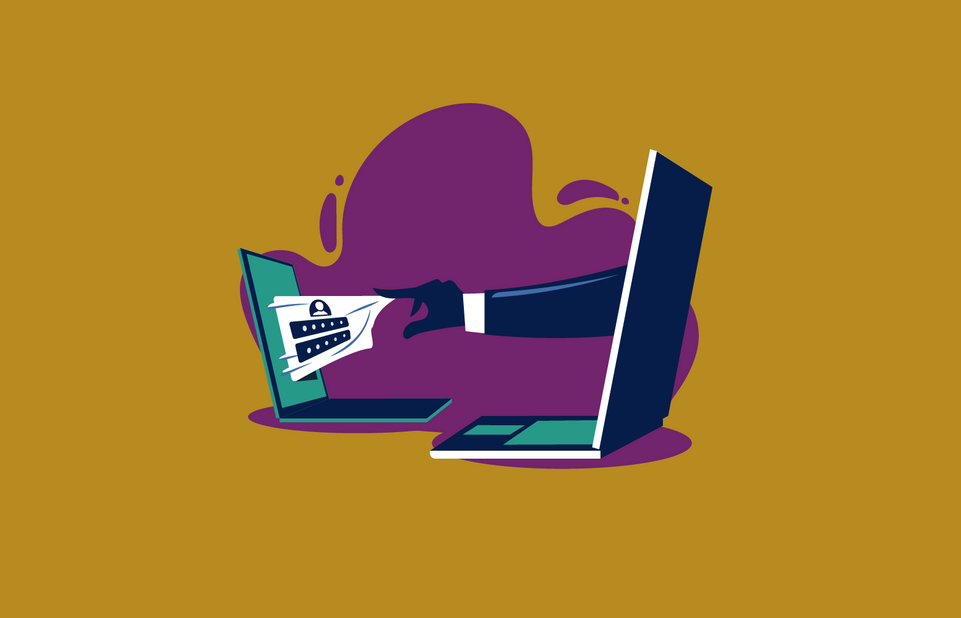 iStock.com/kupritz Whether it’s your email, a social media account, or your online bank, losing access to a digital account can be stressful. This guidance explains what you can do to minimise the damage, and how you can regain access to your accounts. *** ** * ** ***How to tell if you’ve been hacked———————————Check your online accounts to see if there’s been any unauthorised activity. Things to look out for include:* being unable to log into your accounts* changes to your security settings* messages or notifications sent from your account that you don’t recognise* logins or attempted logins from strange locations or at unusual times* unauthorised money transfers or purchases from your online accountsSteps to take if your account has been hacked———————————————Show all ### 1. Contact your account providerShow Go to the account provider’s website and search their **help** or **support** pages. These will explain in detail the account recovery process (it’s likely to be different for each account). If you can’t find what you need on the website, use a search engine query (for example, ‘*How do I recover my Twitter account*’) and follow the links. ### 2. Check your email accountShow Check your email filters and forwarding rules. A common tactic used by cyber criminals is to set up a forwarding rule, which means that they will automatically be sent a copy of all emails sent to your account (which would allow them to reset your passwords). Again, you can find detailed instructions about how to do this on the email provider’s website, or you can use a search engine. ### 3. Change passwordsShow Once you have confirmed there are no unwanted email forwarding rules in place, you need to:a. change the password for any account that has been hackedb. change the password for any accounts that are using the same passwordBoth steps are important because cyber criminals know that many people use the same password for different accounts, and so will try the same ‘hacked’ password across multiple accounts. You can refer to the NCSC’s guidance for help on [how to create strong passwords](/cyberaware/home). ### 4. Log all devices and apps out of your accountShow Once you have changed your passwords, you need to make sure that any devices and apps (that may still be logged in) are logged out of the relevant account. This can usually be done from the **Settings** menus of the app or website (or it may be part of the **Privacy** or **Account** options). For specific instructions on how to do this, you’ll need to refer to the support page for the relevant service. Once you’ve done this, anyone else attempting to use your account will be prompted to supply the new password. ### 5. Set up 2-step verification (2SV)Show Many online accounts and services allow you to [set up two-step verification (2SV)](/collection/top-tips-for-staying-secure-online/activate-2-step-verification-on-your-email), which means that even if a criminal knows your password, they won’t be able to access your accounts. 2SV (which is also known as two-factor authentication or 2FA) usually works by sending you a PIN or code, often sent by SMS or email, which you’ll then have to enter to prove that it’s really you. It’s worth taking the time to set up 2SV on important accounts like email and banking, even if these are already protected using a strong password. It only takes a few minutes, and you’re much safer online as a result. ### 6. Update your devicesShow You should [apply updates](/collection/top-tips-for-staying-secure-online/install-the-latest-software-and-app-updates) to your apps and your device’s software as soon as they are available. Updates include protection from viruses and will often include improvements and new features. Applying these updates is one of the most important (and quickest) things you can do to prevent your account from being hacked. You should also turn on ‘automatic updates’ in your device’s settings, if available. This will mean you do not have to remember to apply updates. Note that updating your device may take some time and requires a reliable internet connection, so it’s best to do it at home where you can access your Wi-Fi (and keep your device plugged in). ### 7. Notify your contactsShow Get in touch with your account contacts, friends or followers. Let them know that you were hacked, and suggest they treat any recent messages sent from your account with suspicion. This will help them to avoid being hacked themselves. ### 8. Check your bank statements and online shopping accountsShow Often a hacked email account can lead to compromises elsewhere. Keep a look-out for unauthorised purchases, or check your bank accounts for any unusual transactions. You can contact your bank directly for further support. Always use **official** websites or social media channels, or type the address directly into your browser. Don’t use the links in any messages you have been sent. ### 9. Contact Action FraudShow If you’ve lost money, tell your bank and report it as a crime to[Action Fraud](https://www.actionfraud.police.uk/), the UK’s reporting centre for cyber crime (in Scotland, contact the police by dialling 101). You’ll be helping the NCSC and law enforcement to reduce criminal activity, and in the process, prevent others from becoming victims. *** ** * ** ***If you can’t recover your account———————————In some cases, it may not be possible to recover your account with the online service. In such cases, you’ll have to create a new account, if you want to continue using the service. Once you’ve done this, it’s important to give contacts your new details, and tell them you’ve abandoned the old account. Make sure to update any bank, utility or shopping websites with your new details. *** ** * ** ***Downloads———[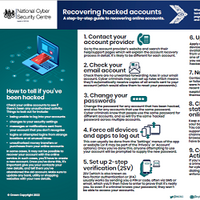* pdf* 464 KB#### How to recover your hacked online accountsA step-by-step guide to recovering online accounts.](https://www.ncsc.gov.uk/files/Recovering-hacked-accounts-infographics.pdf) Topics——[Authentication](https://www.ncsc.gov.uk/section/advice-guidance/all-topics?topics=Authentication)[Devices](https://www.ncsc.gov.uk/section/advice-guidance/all-topics?topics=Devices)[Malware](https://www.ncsc.gov.uk/section/advice-guidance/all-topics?topics=Malware)[Ransomware](https://www.ncsc.gov.uk/section/advice-guidance/all-topics?topics=Ransomware)[Passwords](https://www.ncsc.gov.uk/section/advice-guidance/all-topics?topics=Passwords)|  | Back to top |  | Download / Print article PDF || ##### Share|| Copied to clipboard || ##### Share|| || ##### Facebook|| || ##### Linkedin|| || ##### X|| || ##### Copy Link|| Copied to clipboard || ##### Share|| || ##### Facebook|| || ##### Linkedin|| || ##### X|| || ##### Copy Link|| * || ##### Published|| * 17 December 2018| *|| ##### Reviewed|| * 24 August 2022| *|| ##### Version|| * 2.0| *|| ##### Written For|| * [You -& your family](/section/advice-guidance/you-your-family)| * [Self employed -& sole traders](/section/advice-guidance/self-employed-sole-traders)| * [Small -& medium sized organisations](/section/advice-guidance/small-medium-sized-organisations)| * || ##### Published|| * 17 December 2018| *|| ##### Reviewed|| * 24 August 2022| *|| ##### Version|| * 2.0| *|| ##### Written For|| * [You -& your family](/section/advice-guidance/you-your-family)| * [Self employed -& sole traders](/section/advice-guidance/self-employed-sole-traders)* [Small -& medium sized organisations](/section/advice-guidance/small-medium-sized-organisations)  Back to top
Related Tags:
NAICS: 923 – Administration Of Human Resource Programs
NAICS: 45 – Retail Trade – Fuel
Other
NAICS: 92 – Public Administration
NAICS: 922 – Justice
Public Order
Safety Activities
Blog: NCSC Reports
Guidance and Blog-post
Clipboard Data
Associated Indicators:
null